Understanding VirtualBox Internal Network Adapters#
When you create an Internal Network in VirtualBox, three things happen behind the scenes.
- VirtualBox creates a virtual switch.
- The VM gets a virtual network adapter, just like a real NIC.
- A virtual network cable connects the VM’s adapter to the virtual switch.
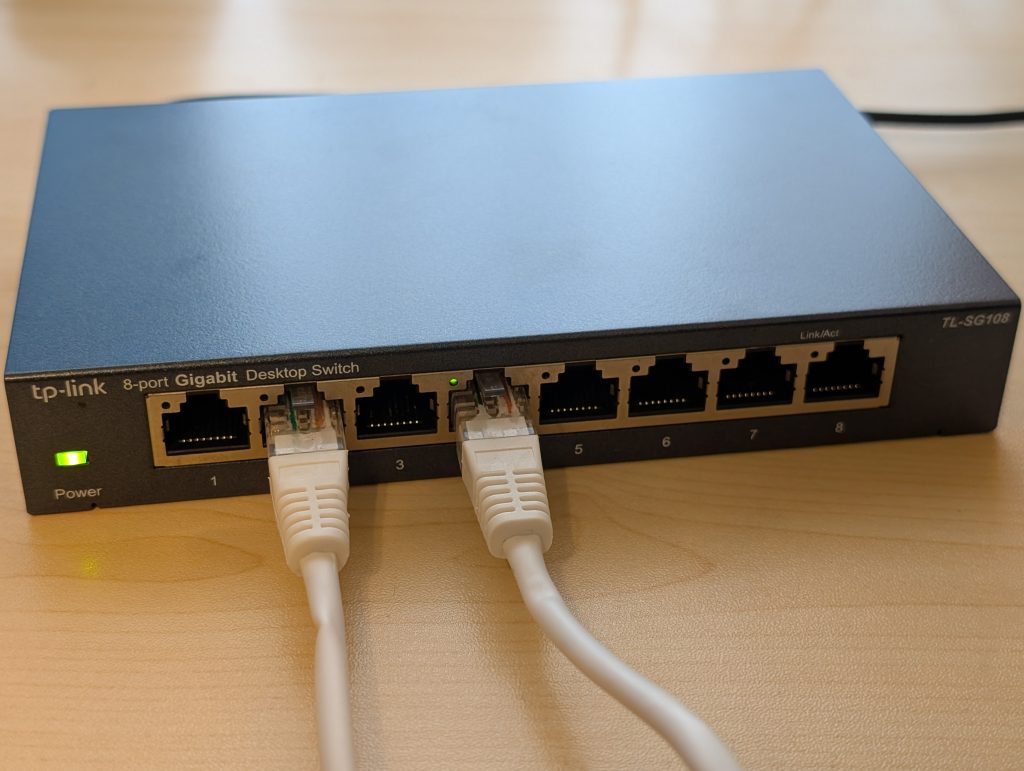
Think of it like physical computers connecting their network ports to a switch using CAT6 cables.
Creating a Switch#
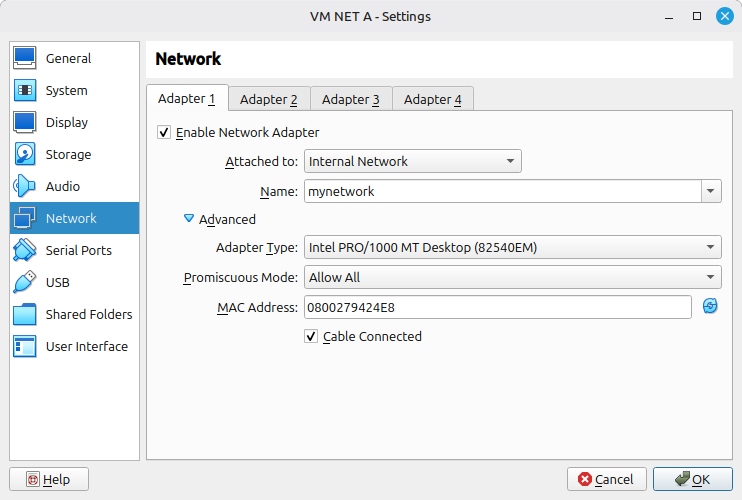
When you name your Internal Network (for example, “mynetwork”), that name is the switch. Any VM you attach to the same name will land on the same switch. Spelling matters. A typo creates a separate, isolated switch.
Identifying the Interface#
VirtualBox shows you the MAC address of each adapter. Match it to the interface inside your Linux VM.
In VirtualBox, the adapter MAC might be listed as 0800279424E8.
Run ip link inside the VM:
owner@host:~$ ip link
1: lo: <LOOPBACK,UP,LOWER_UP> mtu 65536 qdisc noqueue state UNKNOWN mode DEFAULT group default qlen 1000
    link/loopback 00:00:00:00:00:00 brd 00:00:00:00:00:00

2: enp0s3: <BROADCAST,MULTICAST,UP,LOWER_UP> mtu 1500 qdisc fq_codel state UP mode DEFAULT group default qlen 1000
    link/ether 08:00:27:94:24:e8 brd ff:ff:ff:ff:ff:ff
The interface enp0s3 has MAC 08:00:27:94:24:e8, which matches. That is the interface to assign your IP address to.
Promiscuous Mode#
A physical NIC has a hardware MAC filter. It accepts frames addressed to its own MAC, broadcasts, and subscribed multicasts. Everything else gets dropped. VirtualBox mirrors this behavior with the “Deny” promiscuous mode setting, which is the default and correct for normal operation.
There are cases where you need to disable that filter. In VirtualBox, setting promiscuous mode to “Allow All” tells the virtual NIC to pass every frame it sees up the stack, regardless of destination MAC.
Common use cases:
- Packet sniffing with Wireshark for traffic not addressed to your own system.
- VXLAN tunnel endpoints (VTEP) receive frames destined for remote MACs, not their own. VirtualBox drops these by default before they reach the guest OS. Setting the adapter to promiscuous mode ‘Allow All’ lets the guest receive and process them.